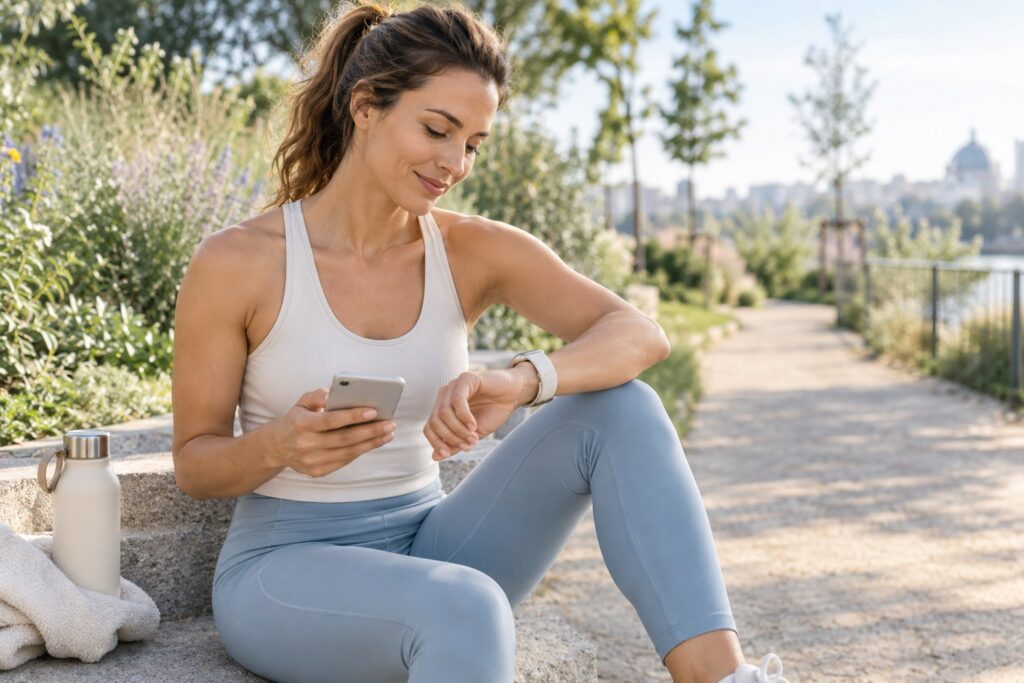
Your phone and watch can show different step counts because they detect movement from different positions. They also use their own methods to identify steps. The higher number is not automatically the more accurate one. To understand the difference, compare both devices during the same walk instead of comparing their totals at the end of the day.
Why two step counters do not record the same day
Your phone may not be with you
If you leave your phone on your desk while getting some water, then put it on a table while tidying up, its sensors cannot record those movements. Your watch may record them if you are still wearing it.
Several periods without your phone can make an evening comparison misleading. The devices simply have not recorded the same amount of activity. The opposite can happen too: a watch that has been removed or is charging cannot track your movements during that time.
Your wrist and your pocket move differently
A step counter estimates steps from detected movement. It does not directly record every time your foot touches the ground. A phone in your pocket receives a different signal from a watch on your wrist.
Depending on the model, some arm movements may be interpreted as steps. Walking with very little wrist movement, such as when pushing a pram, may produce a different reading from walking with your arms free. These are factors to check in your own situation, not behaviours that affect every watch in exactly the same way.
The position of your phone can also affect the result. When comparing walks, keep it in the same place. Moving it between your pocket, hand and bag adds another variable.
Detection rules are not the same
Software tries to distinguish walking from other movements. Its criteria may vary, particularly during short trips back and forth, frequent stops or changes of pace. Two devices worn together can therefore show different results without either one being faulty.
Find out when the difference appears
Before changing any settings, find out when the figures begin to diverge. A difference that builds up at home may have a different explanation from one that appears during a continuous walk.
| What you notice | What to check | Useful comparison |
|---|---|---|
| The watch shows more steps in the evening. | Did your phone stay behind while you moved around? | One walk with both devices on you. |
| The total rises during manual tasks. | Could wrist movements have been counted? | The readings before and after the activity. |
| The difference changes when using a pram or trolley. | Is your wrist moving differently? | A similar route with your arms free. |
| Two screens show different figures. | Are they showing the same date and data source? | The readings after refreshing the app. |
Compare the same route over several days
Choose a familiar route that you can repeat in similar conditions. The aim is not to decide which device is right, but to see whether the difference keeps appearing.
- Record both counters at the start. Note the phone and watch figures separately.
- Wear both devices for the whole walk. Keep the phone in the same place from one walk to the next.
- Record both counters at the end. Subtract the starting figure to see how many steps each device added.
- Refresh the app if needed. If you view your watch data on your phone, wait for the transfer to finish before comparing the figures.
- Repeat this over several days. Note any differences in circumstances, such as frequent stops, using your phone while walking, carrying a bag or pushing a pram.
If one device regularly shows more steps on this route, you will have found a recurring difference under these conditions. This does not prove that it is measuring the exact number of steps. Do not use that difference as an automatic correction for every day.
 -26%
-26%The cordless massager: 2 900 rotations per minute to stimulate your skin
- A deep mechanical massage: rotations and vibrations, up to 2 900 turns per minute, knead the skin on your thighs, stomach, arms and bottom
- 2 complementary heads: the ball head kneads deep down, then the wave head smooths and tones the surface
- 5 intensity levels on a touchscreen, a blue light, cordless and quiet
Check what the app is actually displaying
The figure shown on your phone may not come only from its own sensors. An app can also receive data from a watch. Check the source shown, the period displayed and the time of the last synchronisation.
When several devices are connected, the way their data is handled depends on the app. Consult its help section to understand how it manages overlapping readings. Do not add the two totals together yourself: the same walk could be counted twice.
If tracking suddenly stops, check the connections and activity permissions available on your system. Settings vary between models, so change one element at a time and see what effect it has.
Choose a consistent reference point, not a perfect total
To track your habits, prioritise the device you wear most consistently. Then compare its readings over several similar days. If you switch devices, establish a new starting point. An immediate increase may be caused by the change in measurement, not by extra walking.
A step counter does not describe the intensity of your walk either. The NHS offers a guide to brisk walking: you should still be able to talk, but not sing. Duration and pace therefore add useful context to your step count, without automatically converting it into calories.
For a broader perspective, you can read about the benefits of walking and our guide to sustainable habits. The main point is to track consistently rather than turn the screens into a competition.
If you would like to complement your walks with another activity, it may not be recorded in steps. For reference, the French PDF 3 mois pour un corps tonique offers 12 weeks of coaching in four phases, with 33 beginner-friendly exercises that require no equipment and can be done at home. It can help you organise an activity separately from your step counter.
FAQ
Can this comparison tell me the exact number of steps?
No. It shows whether the differences recur under similar conditions, not which device is absolutely accurate.
Why does the total change after synchronisation?
The app may receive data that had not yet been transferred. Check the source and update time. A change on screen does not necessarily represent new steps taken at that exact moment.
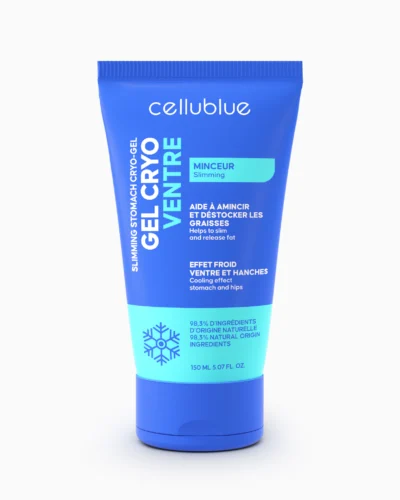
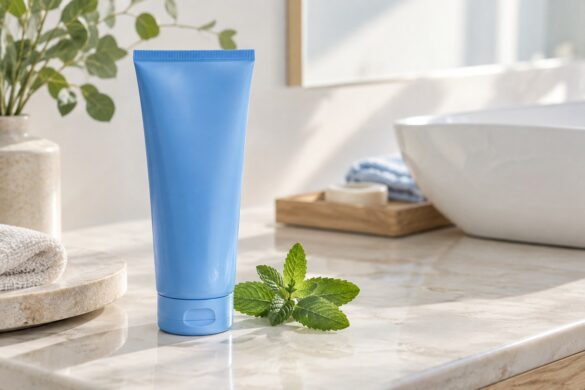
The cooling gel that leaves the skin on your stomach firmer
- Arctic Algae, Prosveltyl® & Menthol, combined in a formula designed for the stomach and hips
- Sorbet texture: it absorbs faster and makes the fresh sensation last longer
- 🍃 98.3% natural-origin ingredients
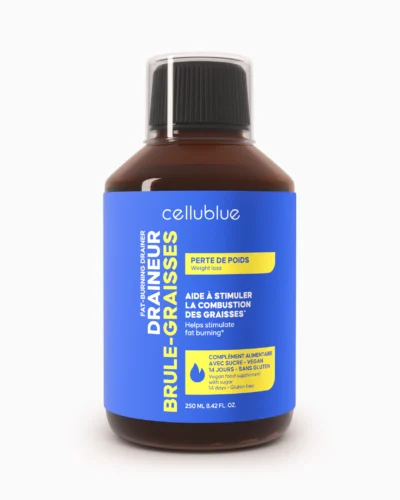
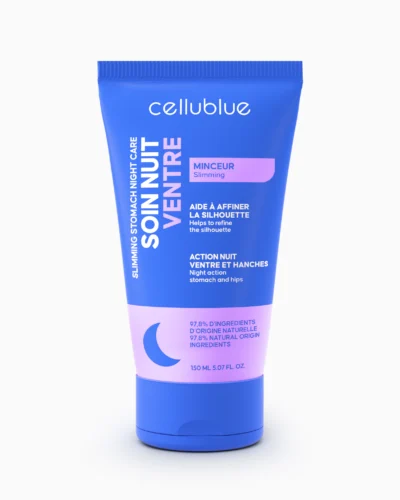
The evening treatment with Ginger & Slimsize® for the belly and hips
- Targeted night treatment for belly & hips, to massage in every evening before bed
- Ginger & Slimsize®, with a patented active ingredient at the heart of the formula
- Helps smooth and firm the skin
Comments (0)