Select the items of your choice, add them to your cart and proceed to checkout.
You can enter your Cellublue promo code or discount code in 2 different places:
1. Using your Cellublue promo code in the cart
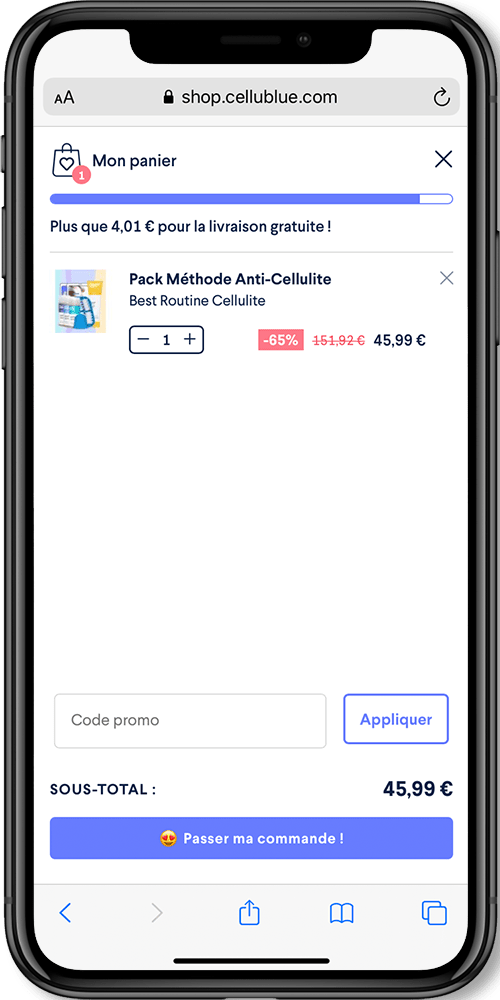
To access your cart, simply click the cart icon at the top right. A window similar to the one below will open:
You can see the “Promo code” field highlighted in red in the image. Click on it. You can then enter your code:
You can then view all the details about your discount. You will be able to see how much you are saving with this promo code and the validity period of the discount. Your cart will be automatically updated. The amount due, with the discount applied, will appear at the bottom right. Click “Place my order!” to complete your purchase.
2. Using your Cellublue discount code on the payment page
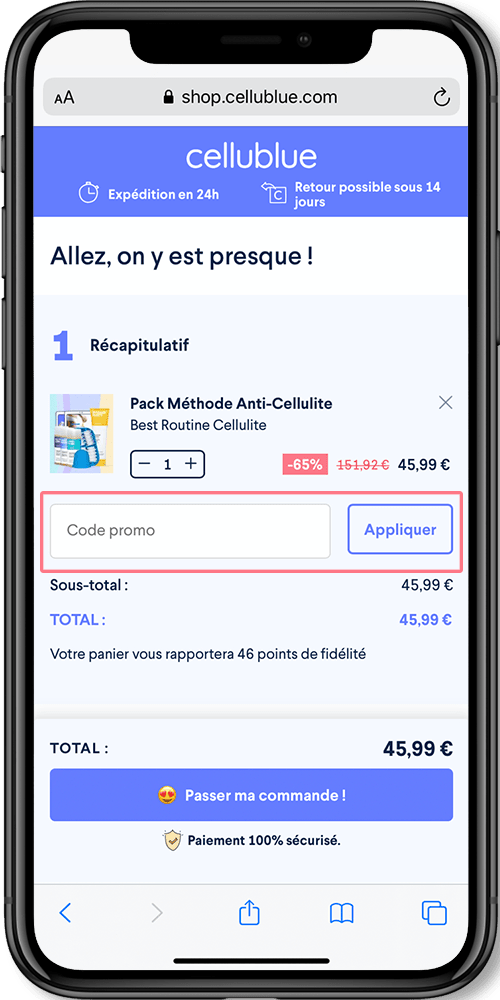
When you add a product to your cart and click “Place my order!“, you are taken directly to the payment page.
Enter your promo code for Cellublue and click the “Apply” button
You can now see that the Cellublue coupon code has been successfully applied. The amount displayed already reflects the discount code you entered. You can now continue with your purchase by filling in the remaining required information.
What should you do if your discount code is not working?
Check the terms and conditions of your discount voucher or advantage code.
Re-read the email or SMS you received.
Check the Instagram or Snapchat story from the influencer again.
Go back and look at the code you saw on Facebook.
Check the validity period of the code.
Does the code require a minimum purchase amount?
What are the terms and conditions for using this code?
Does the code apply to all products or only to specific ones?